
OKLCH scales that feel even
Generate perceptual 50-950 color scales with lightness interpolation and chroma tapering for usable extremes.
INS Theme Studio turns brand colors into OKLCH color systems, semantic tokens, Tailwind exports, accessibility previews, and safe local project updates. No cloud workspace. No telemetry. Your client files stay local.
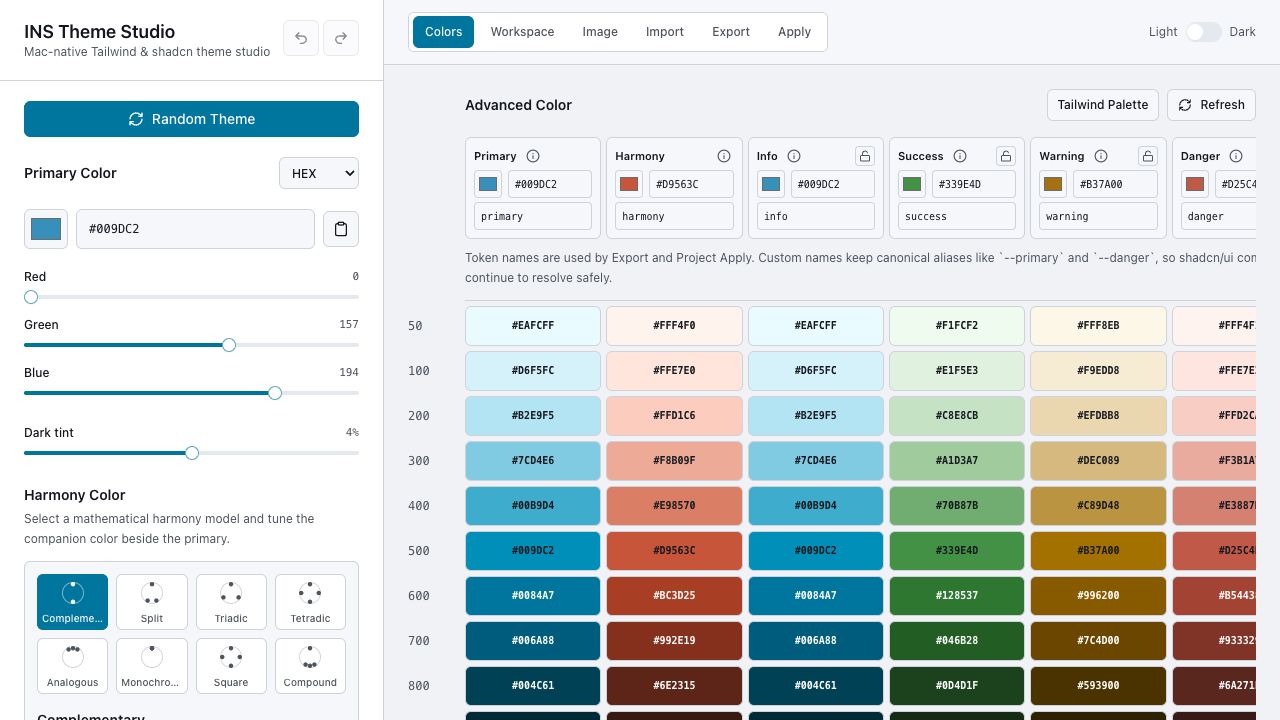
Free web palette tools stop at copy and paste. INS Theme Studio continues into semantic tokens, accessibility checks, imports, exports, and local project updates.
Generate perceptual 50-950 color scales with lightness interpolation and chroma tapering for usable extremes.
Explore complementary, split, triadic, tetradic, analogous, monochromatic, square, and compound harmony logic.
Customize primary, harmony, info, success, warning, danger, foreground, background, muted, accent, ring, and border tokens.
Import shadcn CSS variables, Tailwind v3/v4 theme output, and token JSON to continue work instead of starting over.
Copy Tailwind v3 objects, Tailwind v4 @theme blocks, shadcn/ui CSS variables, and W3C-style token JSON.
Choose a local project, preview changed files, create backups, and update marked theme blocks without cloud access.
The hard part is not finding a nice blue. It is turning that color into a maintainable UI system that survives real components, dark mode, validation, export, import, and local project updates.
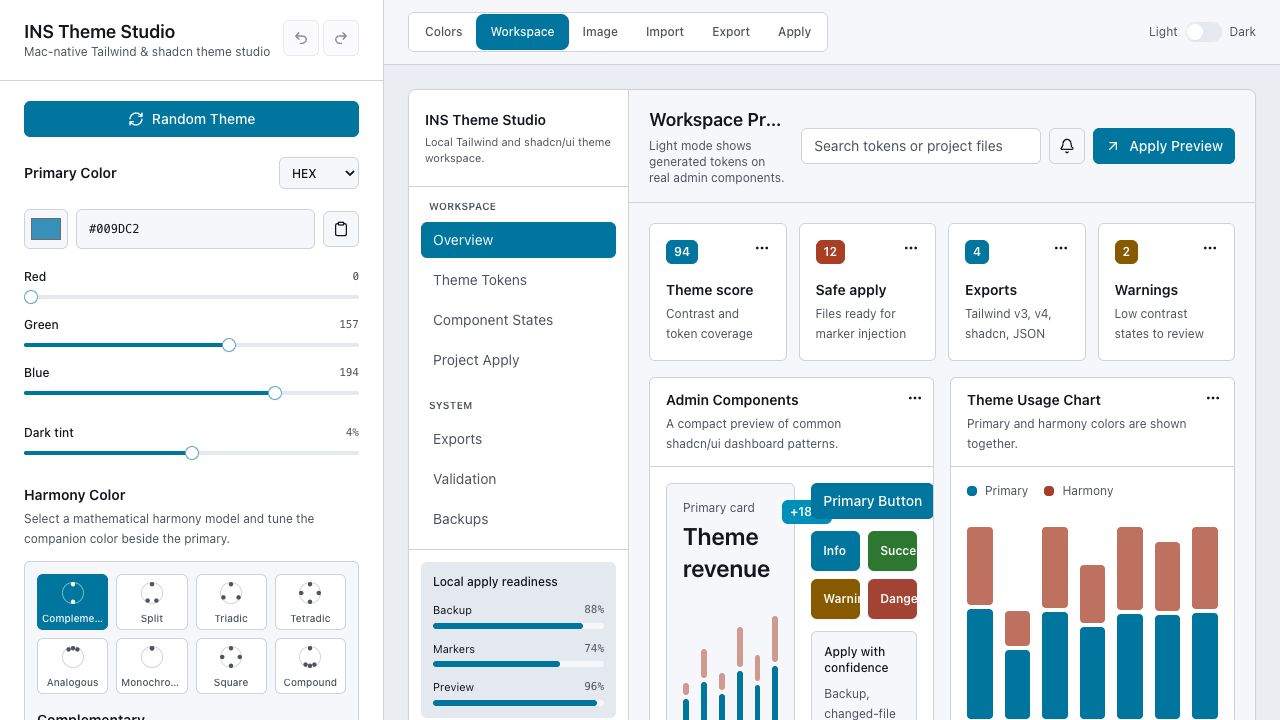
Every screen is designed to answer a practical question: does this color system work, can I export it, and can I apply it safely?
Manual HEX, RGB, HSL, and OKLCH entry with semantic scales, surface tokens, and contrast validation.
Preview generated tokens on realistic admin cards, charts, semantic buttons, alerts, and apply states.
Copy Tailwind v3, Tailwind v4, shadcn/ui CSS variables, and token JSON with custom token names.
Select a local project, preview changed files, create backups, and apply marked theme blocks safely.
The workflow is intentionally local and reviewable, so the app feels like a professional tool instead of a disposable generator.
Pick a primary color, sample from a logo, or import an existing theme file.
Adjust semantic colors, surface tokens, foreground roles, and harmony relationships.
Inspect realistic dashboard components, contrast results, and simulation views.
Copy production-ready theme output or safely update a selected local project.
Short answers for designers, frontend developers, freelancers, and agencies evaluating the app.
No. Theme generation, image extraction, import, export, and local apply workflows are designed to run on your Mac.
No. The product is focused on Tailwind CSS and shadcn/ui workflows.
Yes. It can scan local project files, preview changes, create backups, and inject a marked generated theme block.
Yes. Import support is designed for shadcn CSS variables, Tailwind theme output, and token JSON.
INS Theme Studio is available on the Mac App Store. For support, press inquiries, and product questions, contact INS Teknoloji.